
The AI Coach feature is currently in beta and may be subject to change.
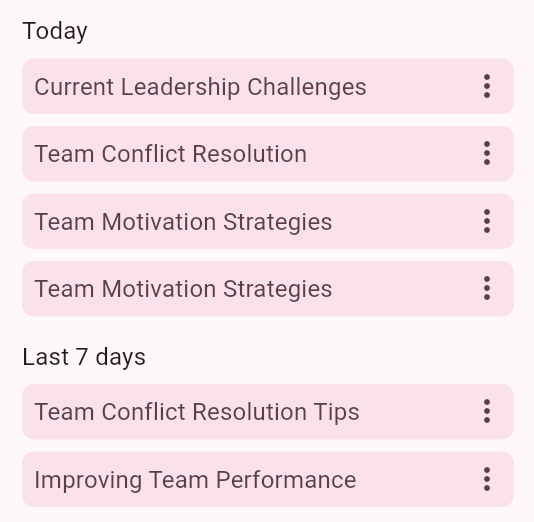
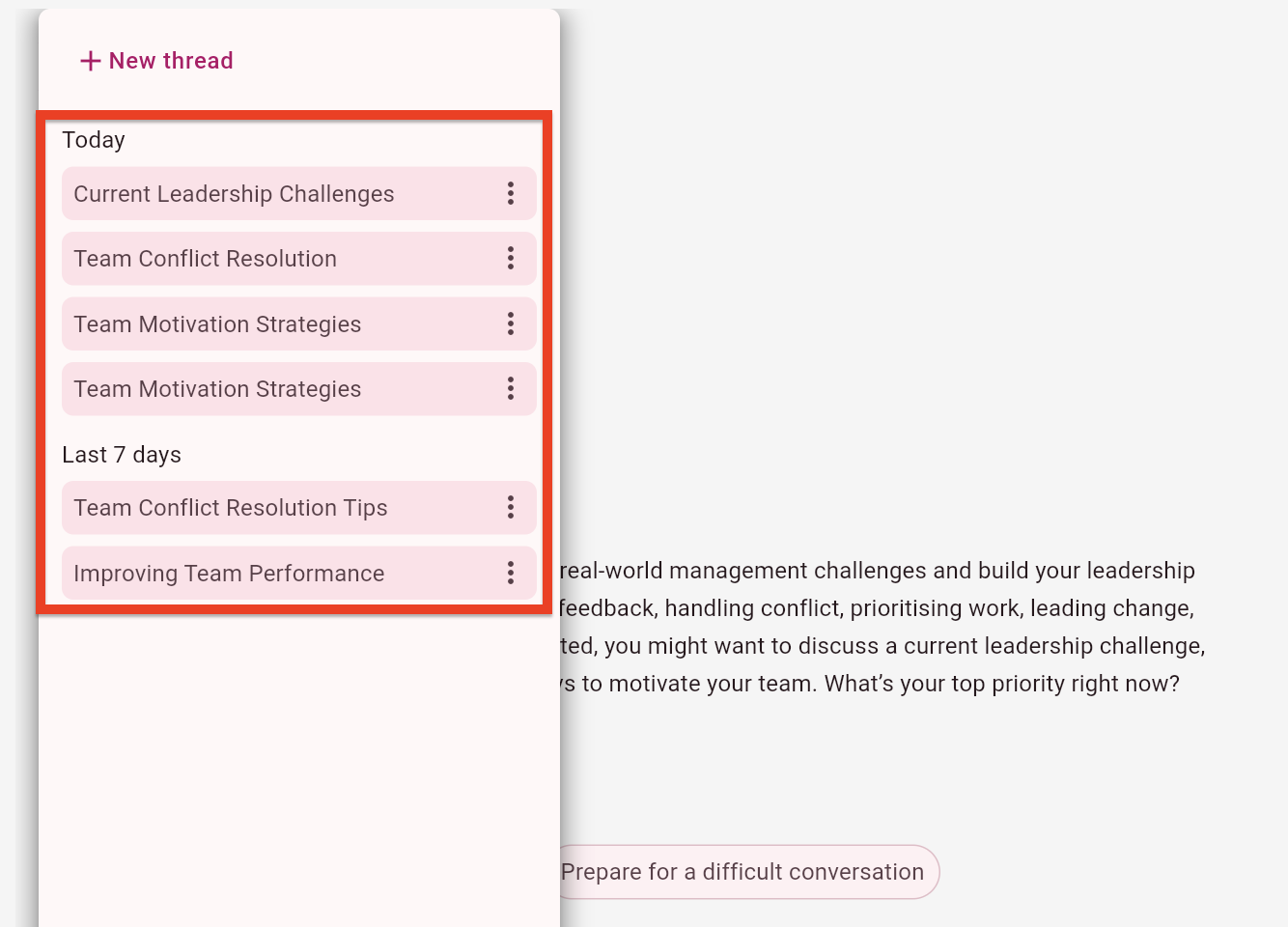
When you access an AI coach in the platform, you can either start a new thread or return to a previous one from another session. Initially, a thread is automatically named based on the topic of discussion but can be renamed, and the list of previous threads is ordered with the most recent listed first.
New threads
You can start a new thread in one of the following ways:
-
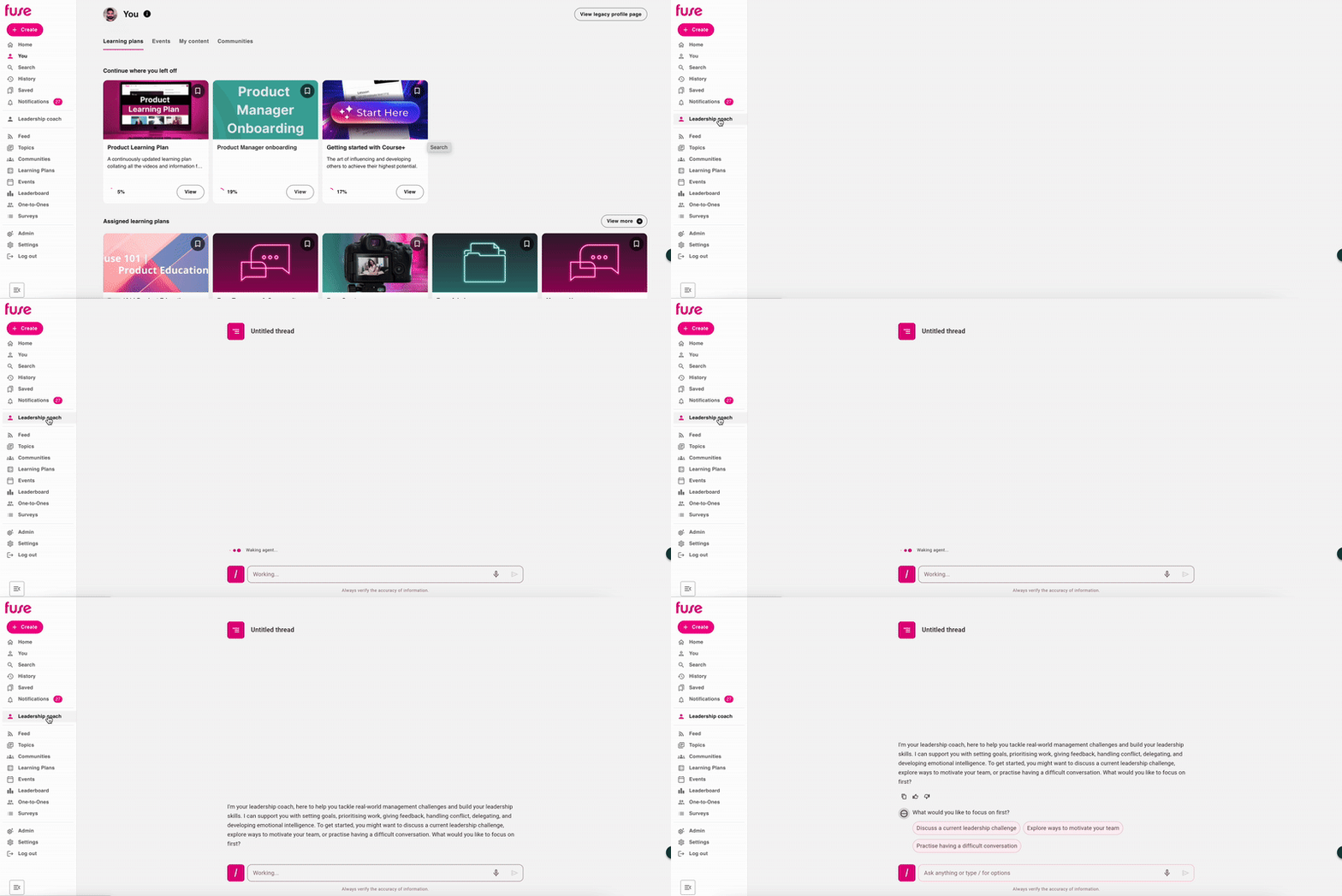
Open the coach on the side navigation: When you open an AI coach on the side navigation, a new, untitled thread is started automatically, and depending on how the AI coach has been configured, it will start with an introductory message and may suggest preset topics you might like to discuss or questions you might like to ask as an icebreaker:
-
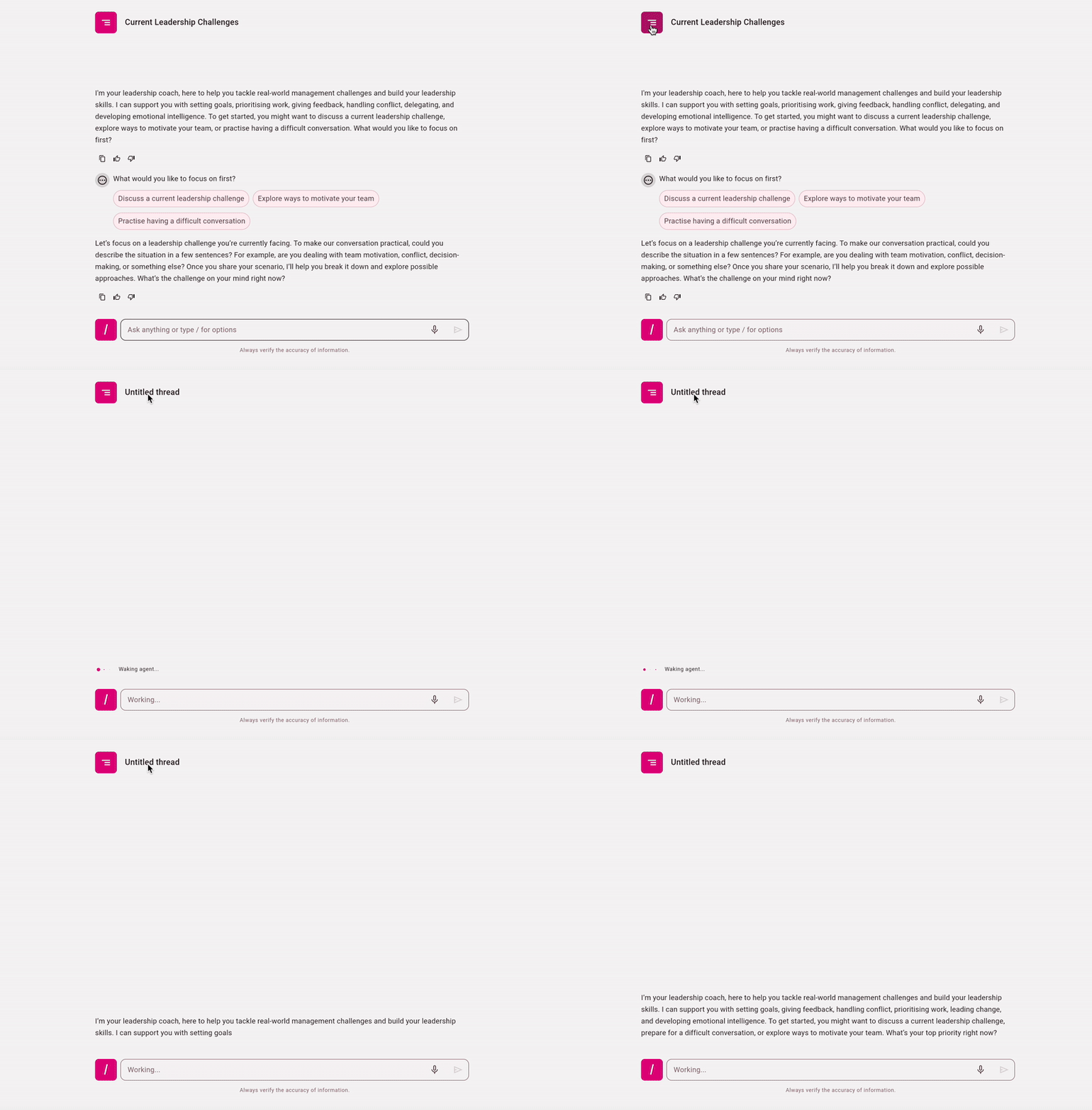
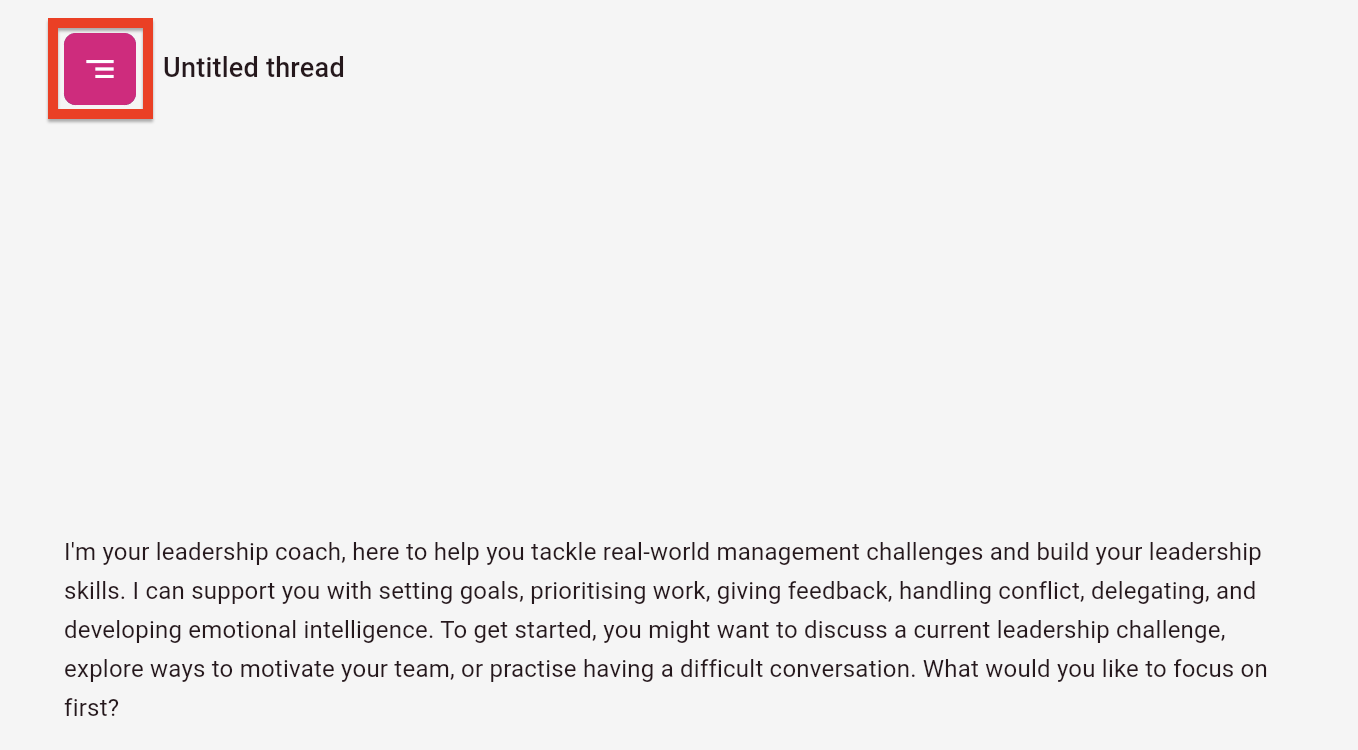
Start a new thread from inside your current thread: If you are currently in a thread but you are finished with it for now and you would like to start a brand new one, click the Threads icon next to the title of your current thread, and from the menu, click New thread:
Accessing and continuing threads you have previously started
All of your previous threads are saved automatically. You might have already started a thread on a particular subject area or topic and might wish to continue engaging with it again later on.
To access and continue a previous thread:
-
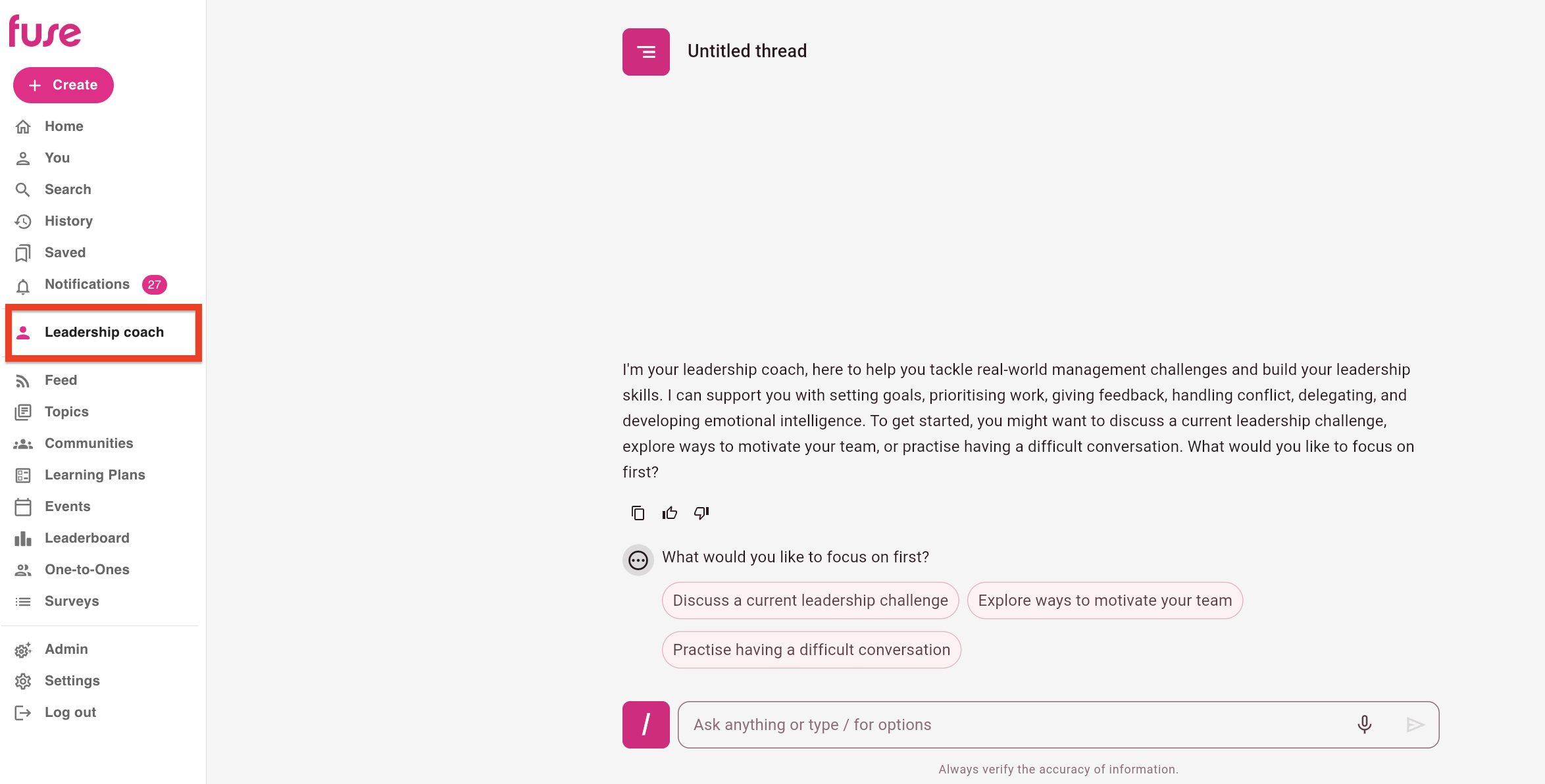
On the side navigation, open the AI coach, and it opens with a new, untitled thread.
-
Click the Threads icon.
-
In the menu, select one of the existing threads:
Renaming a thread
Initially, a thread is automatically named by the coach, based on the initial topic of discussion, but can be renamed so that you can easily manage and identify it in the future, should you wish to revisit it.
To rename an existing thread:
-
On the side navigation, open the AI coach, and it opens with a new, untitled thread.
-
Click the Threads icon.
-
In the menu, locate the thread you want to rename, and click the ellipsis (…).

-
From the menu, click Rename.

-
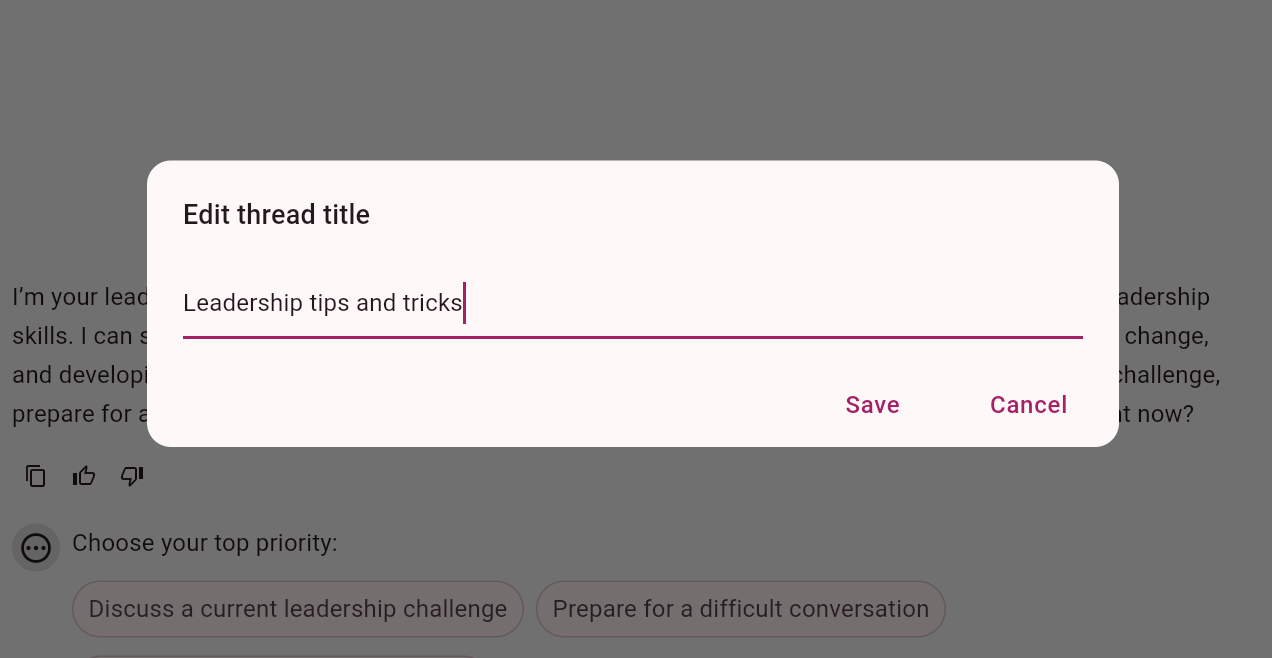
In the Edit thread title popup, enter a new title, and click Save.
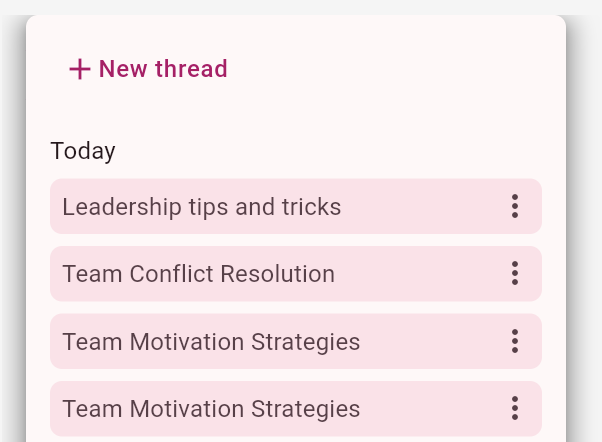
The thread is renamed.
Deleting a thread
You can delete a thread if you no longer need it.
To delete a thread:
-
On the side navigation, open the AI coach, and it opens with a new, untitled thread.
-
Click the Threads icon.
-
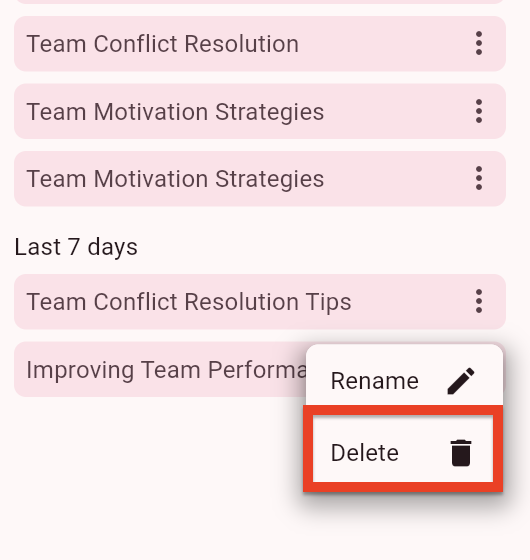
In the menu, locate the thread you want to delete, and click the ellipsis (…).
-
From the menu, click Delete.
The thread is deleted.