
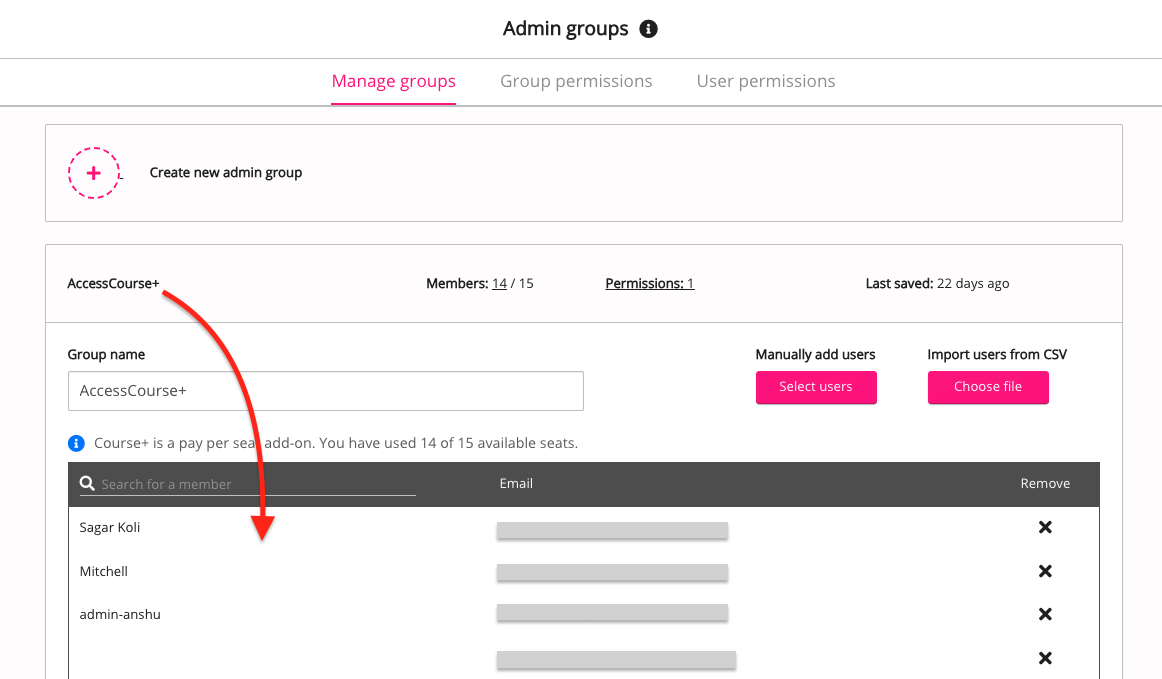
Course+ licences are managed through membership of the AccessCourse+ admin group. You can check which users currently have Course+ licenses by opening the AccessCourse+ admin group in the Admin groups screen and viewing the list of members:
For information on how to add and remove users from Course+, see Granting and revoking access to Lyra AI Studio.