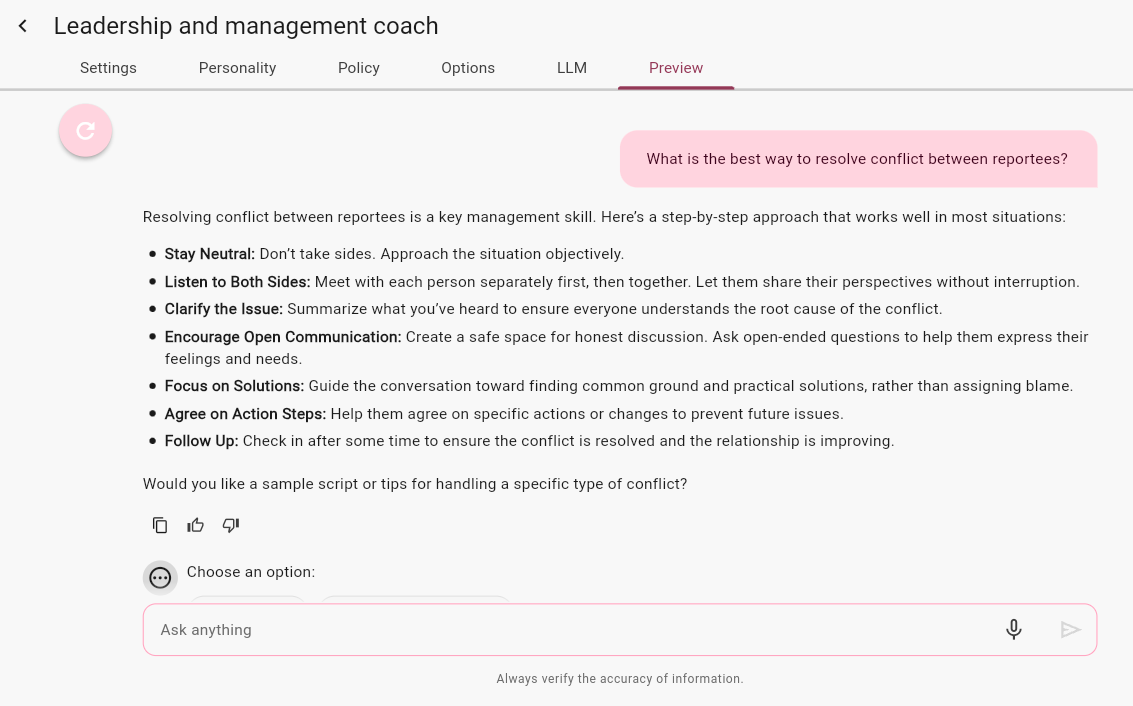
The AI Coach feature is currently in beta and may be subject to change.
Once you have saved your settings and added your source communities so that the coach can reference the correct content when coaching users, you can test the coach in the Preview sub-tab within the Configure tab to ensure your coach works as intended before making it available to communities of users. You can adjust the configuration and settings in the other tabs until the preview matches your expectations and it is ready to push to users on your platform.
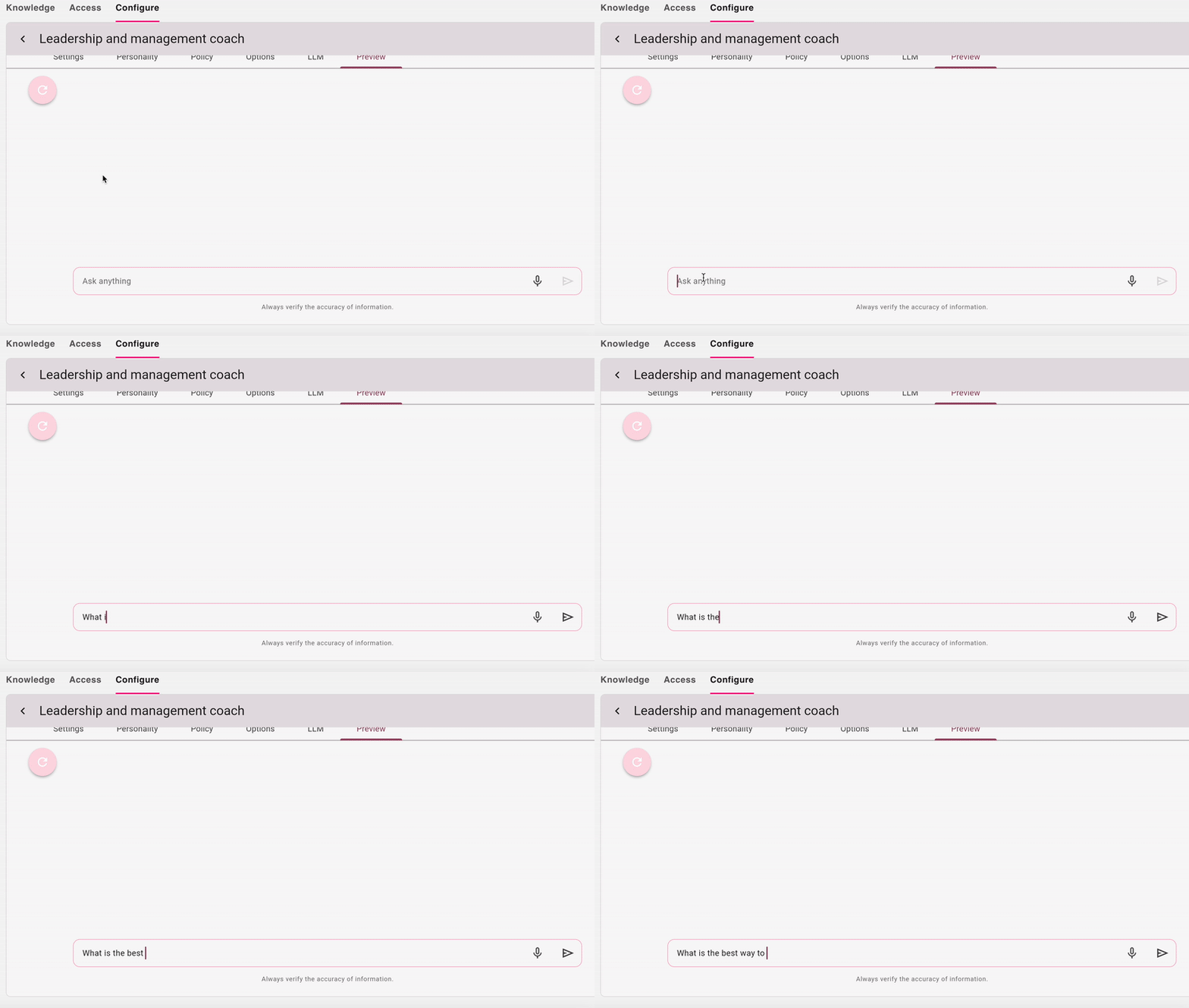
Accessing the Preview tab
To access the Preview tab:
-
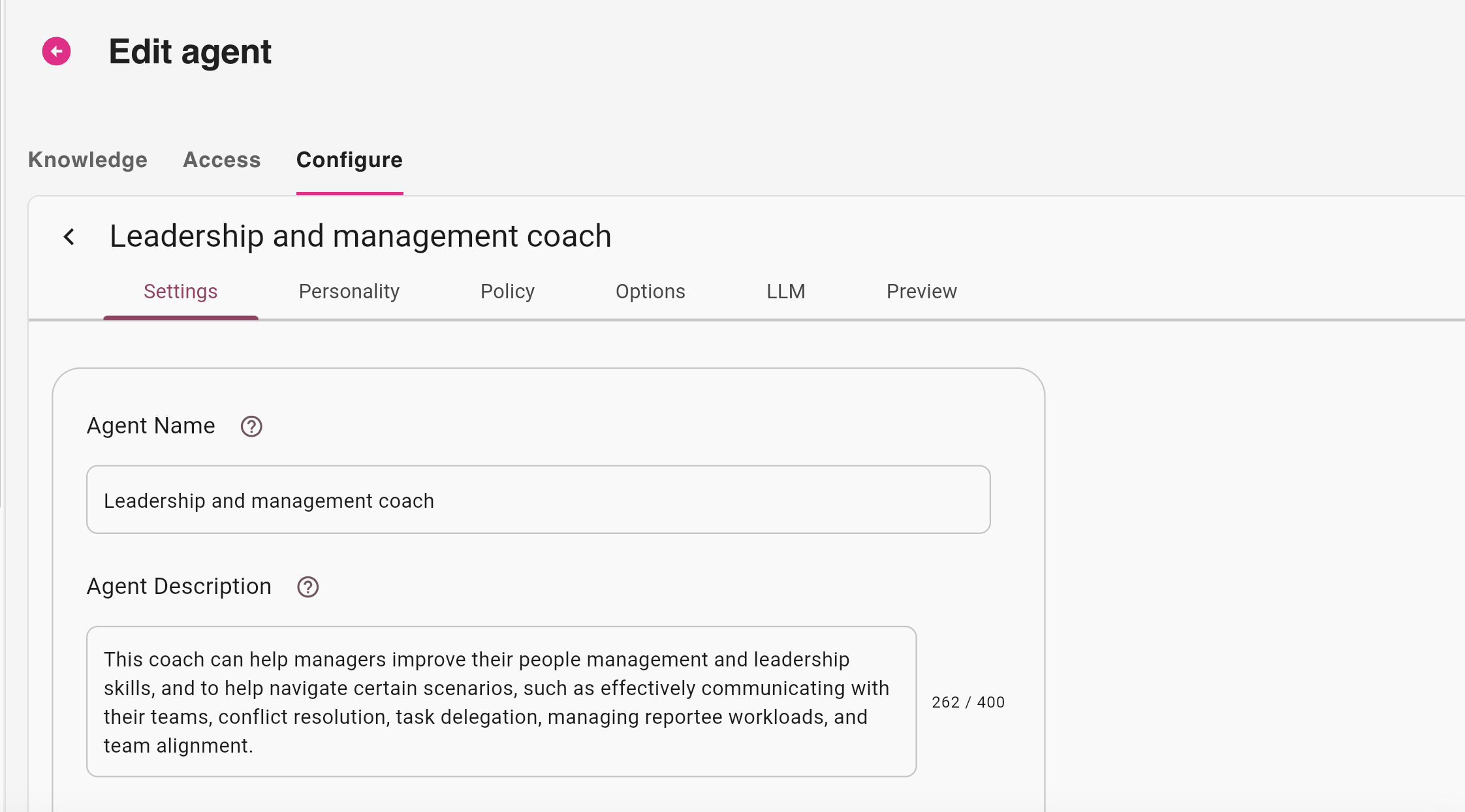
On the AI Coach management screen, locate the coach that you have created, and click Edit.

The edit screen for the selected coach opens.
-
In the Configure tab, and click the Preview sub-tab.

A preview of the coach opens, where you can interact with it by entering text and questions.