
The AI Coach feature is currently in beta and may be subject to change.
Your AI coach must have access to a community with relevant content in it. For example, if you are creating a coach that is designed to help managers in your organisation with their leadership and management skills, you might already have a “Leadership” community set up, or you might create one with content related to that subject area, and then select that community so that the coach can reference the information contained within it when coaching users.
To select the communities to use as a source for your coach:
-
On the AI Coach management screen, locate the coach you have created, and click Edit.

The edit screen for the selected coach opens.
-
Click the Knowledge tab.
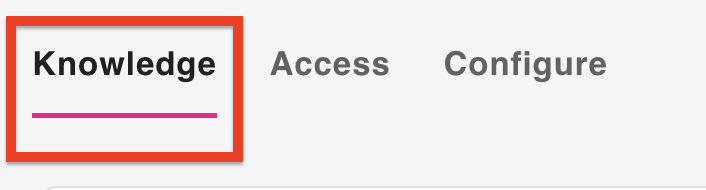
The Knowledge tab opens.
-
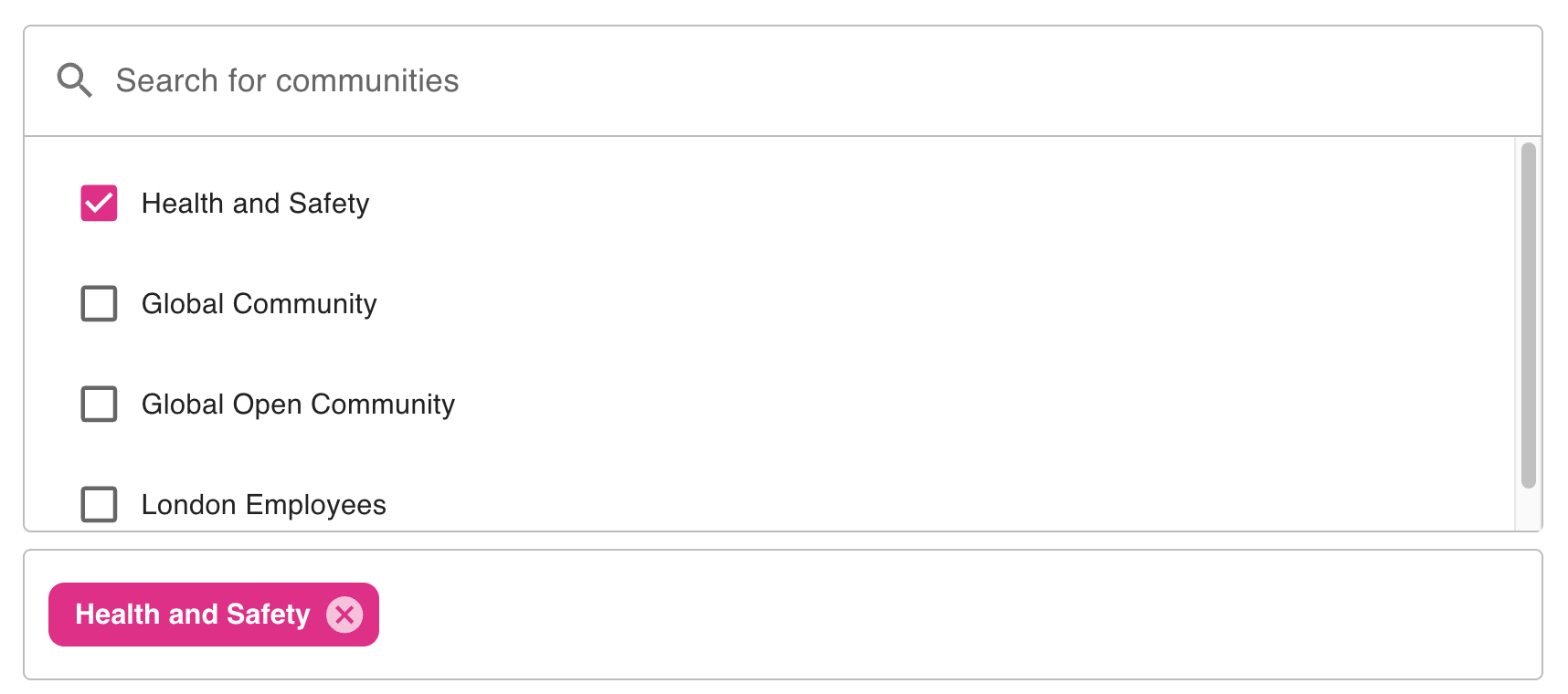
In the Search for communities section, look for the communities that contain the content you wish to use and select the checkboxes next to them.
-
The selected communities appear in the field underneath.
Click Save.