
The AI Coach feature is currently in beta and may be subject to change.
If the AI coach feature is enabled in the platform and you are an ordinary site admin or a user who is a member of an admin group with the AI Coach management permission enabled, you can automatically access the AI Coach management screen in the Admin Panel, where you can create and configure new coaches and edit existing ones.
-
In the Admin Panel, click Admin groups.
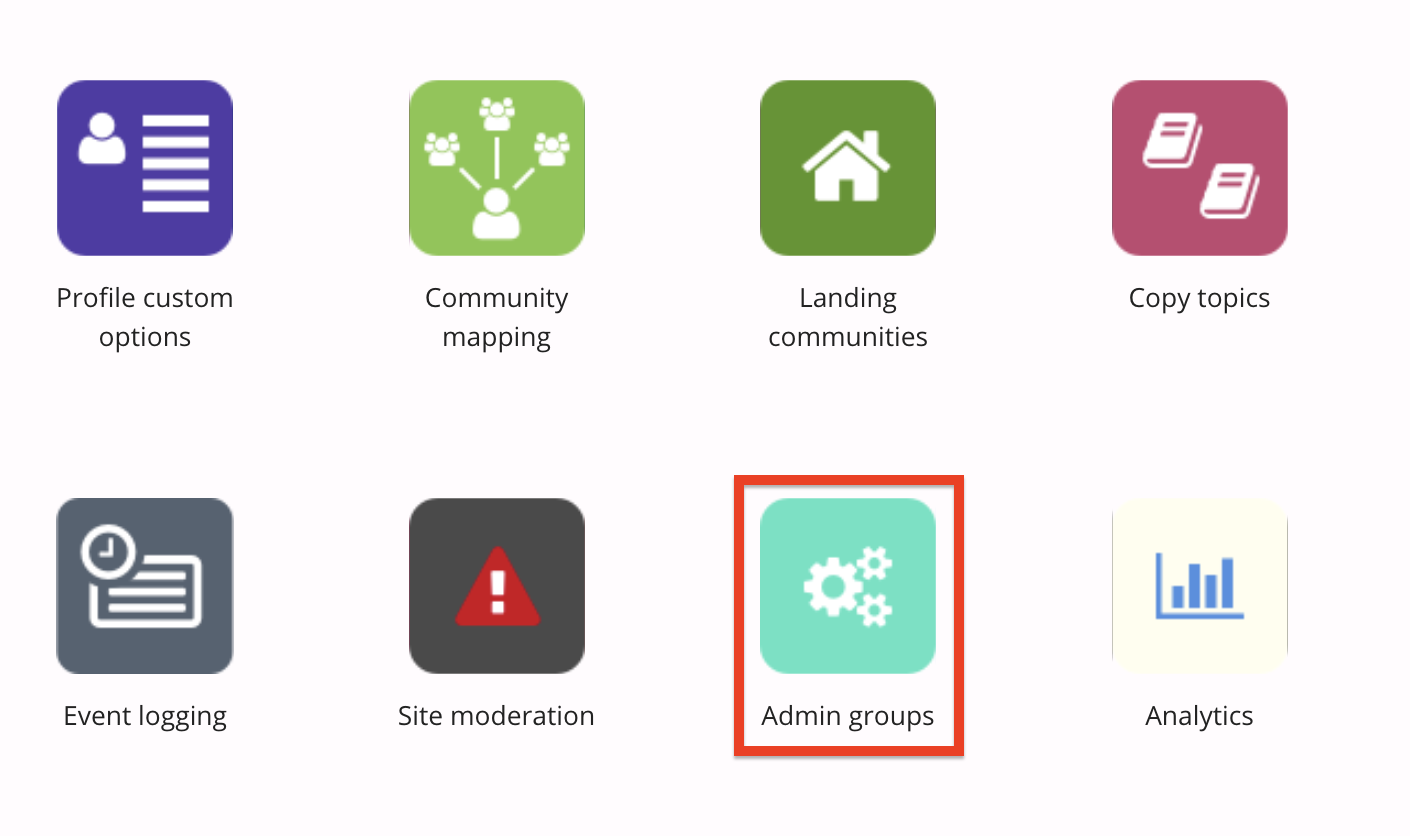
The Admin groups screen opens.
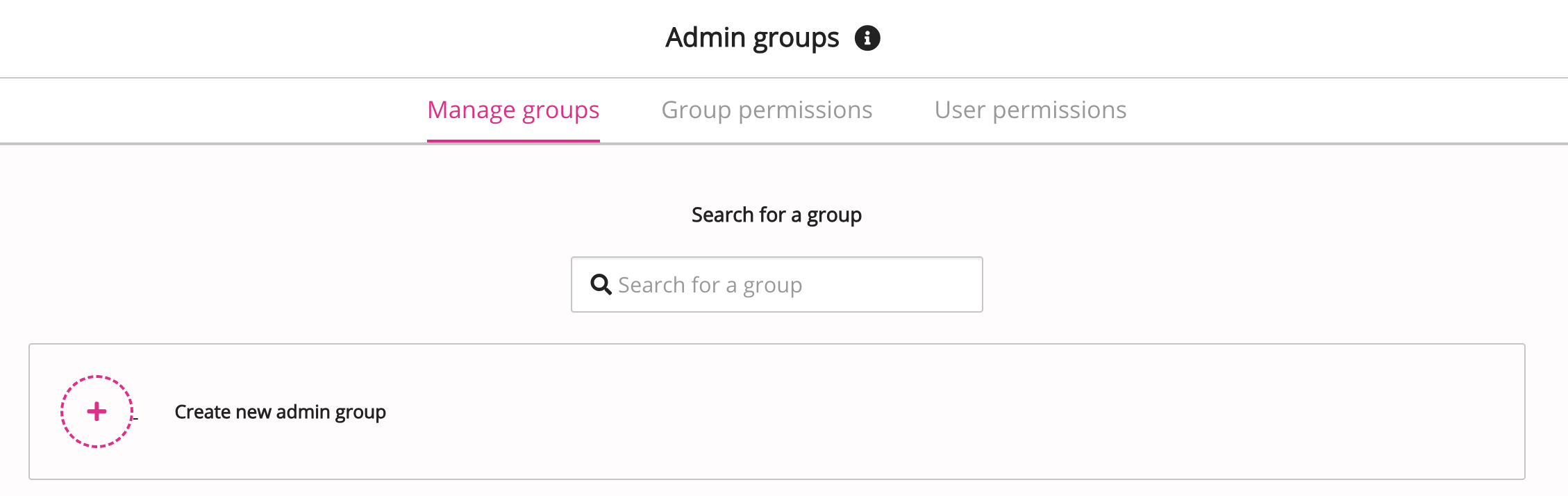
-
Click the Group permissions tab.
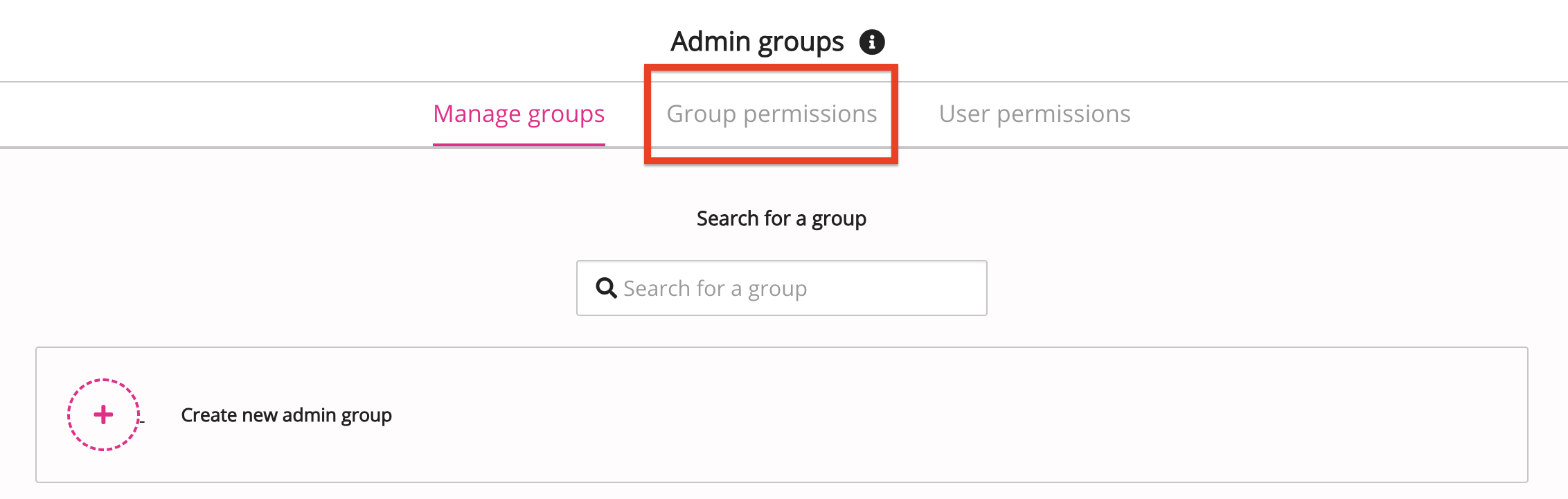
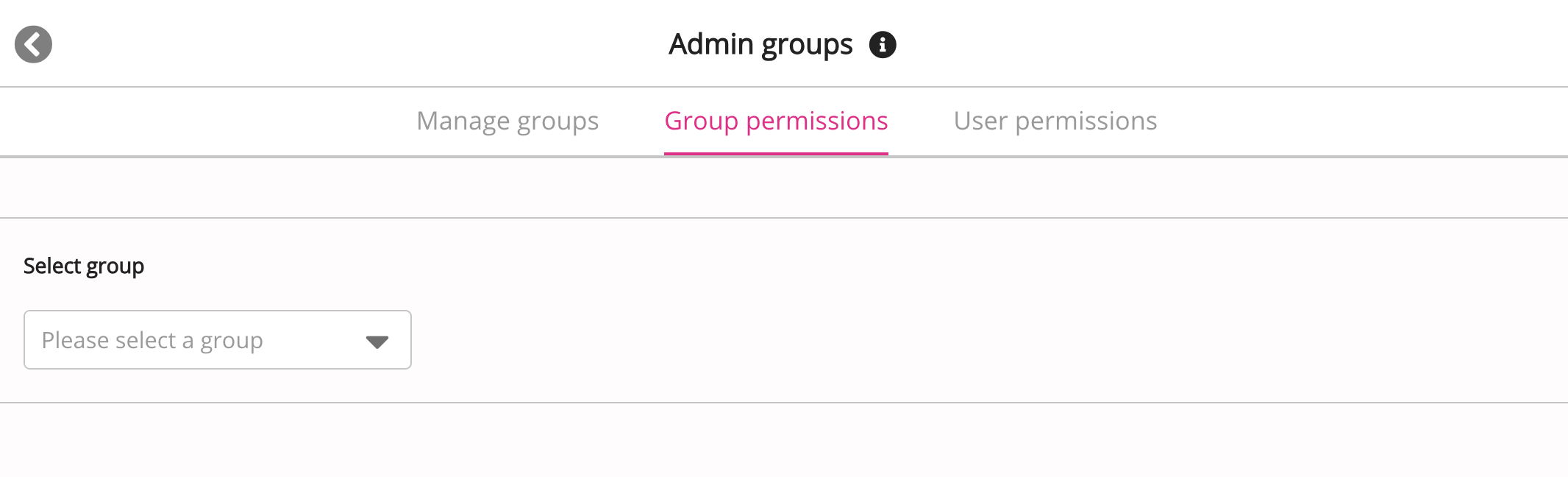
The Group permissions tab opens.
-
From the Select group dropdown, select an admin group you have created.
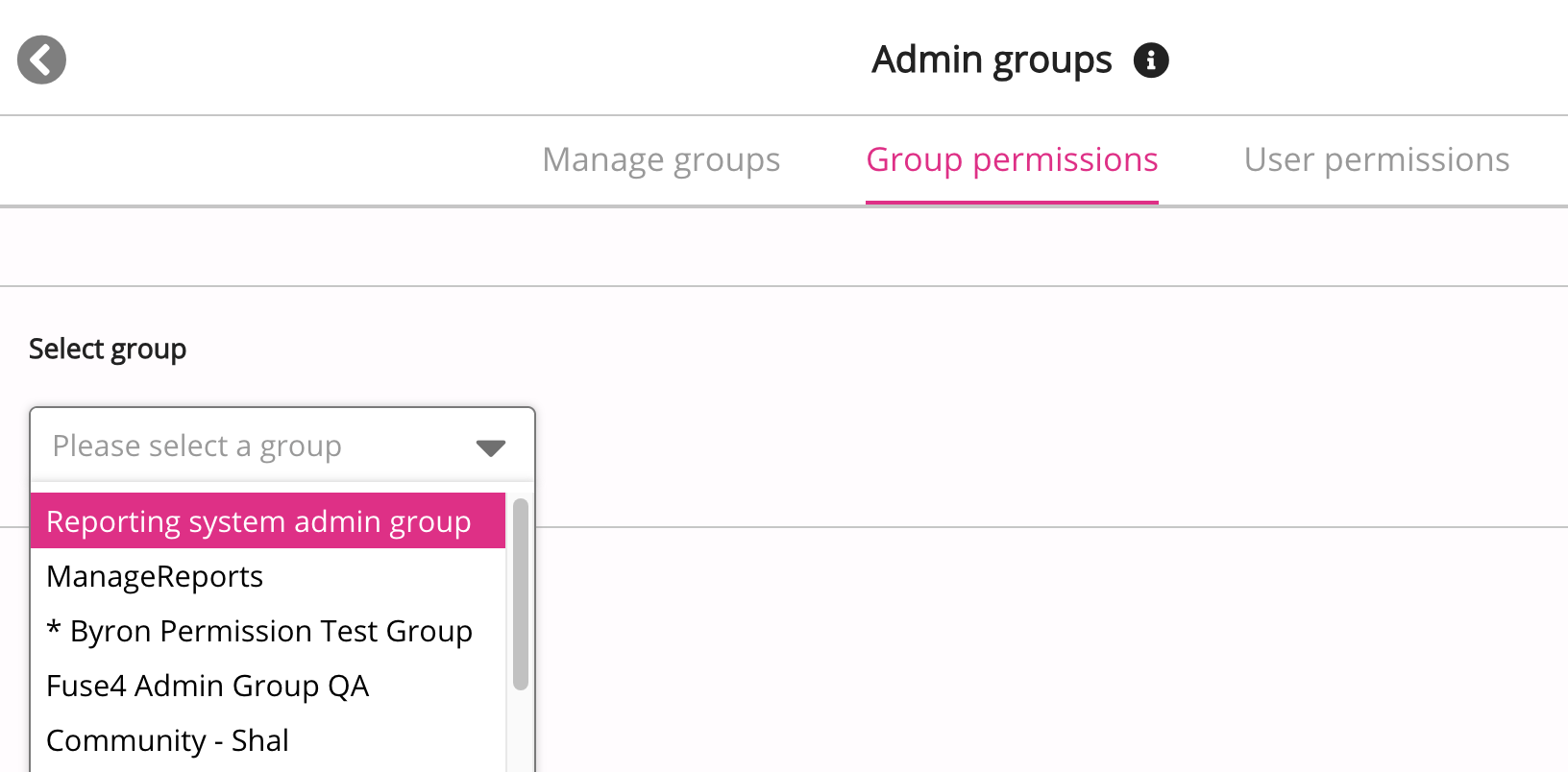
In the Permissions list, locate the AI Coach management permission and enable it.
-
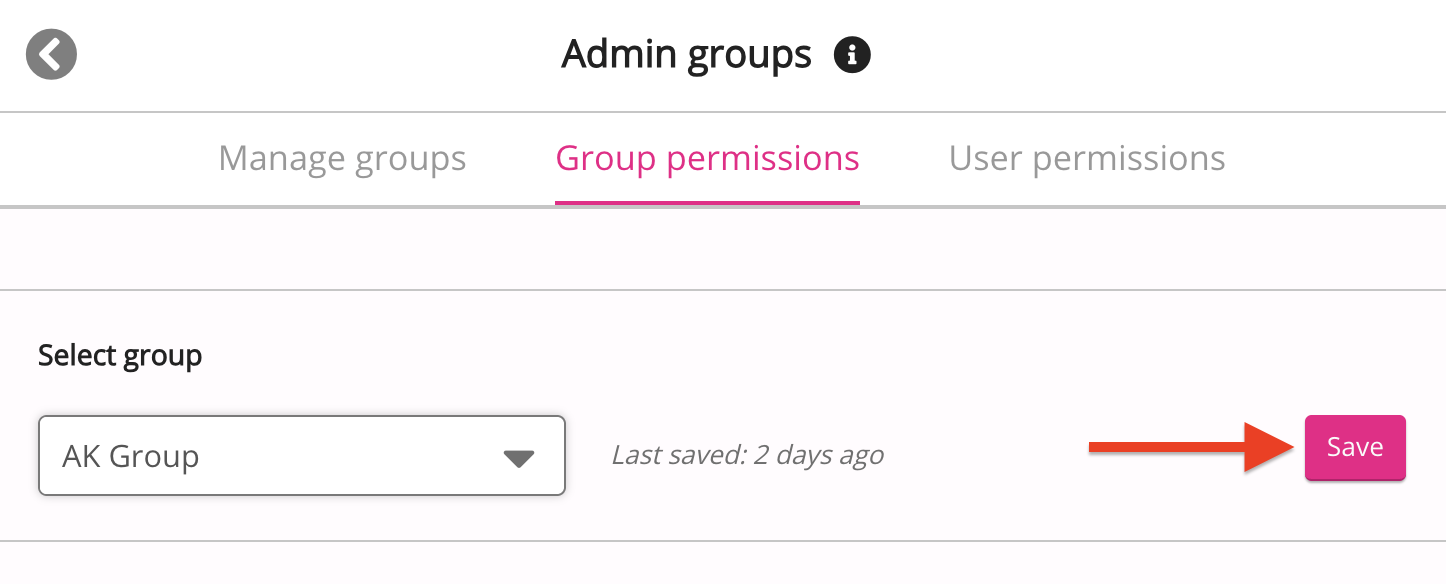
Click Save.
-
All users in the admin group have access to the AI Coach management screen in the Admin Panel, where they can create and edit AI coaches.