The AI Coach feature is currently in beta and may be subject to change.
You can create tailored AI coaches, which can advise and coach users on specific subject areas, as well as to support performance, skill application and adoption, and behavioural change. An AI coach can be linked up to specific communities within your platform so that it can reference company-specific knowledge from the content inside, ensuring that it offers relevant, accurate, and context-specific information.
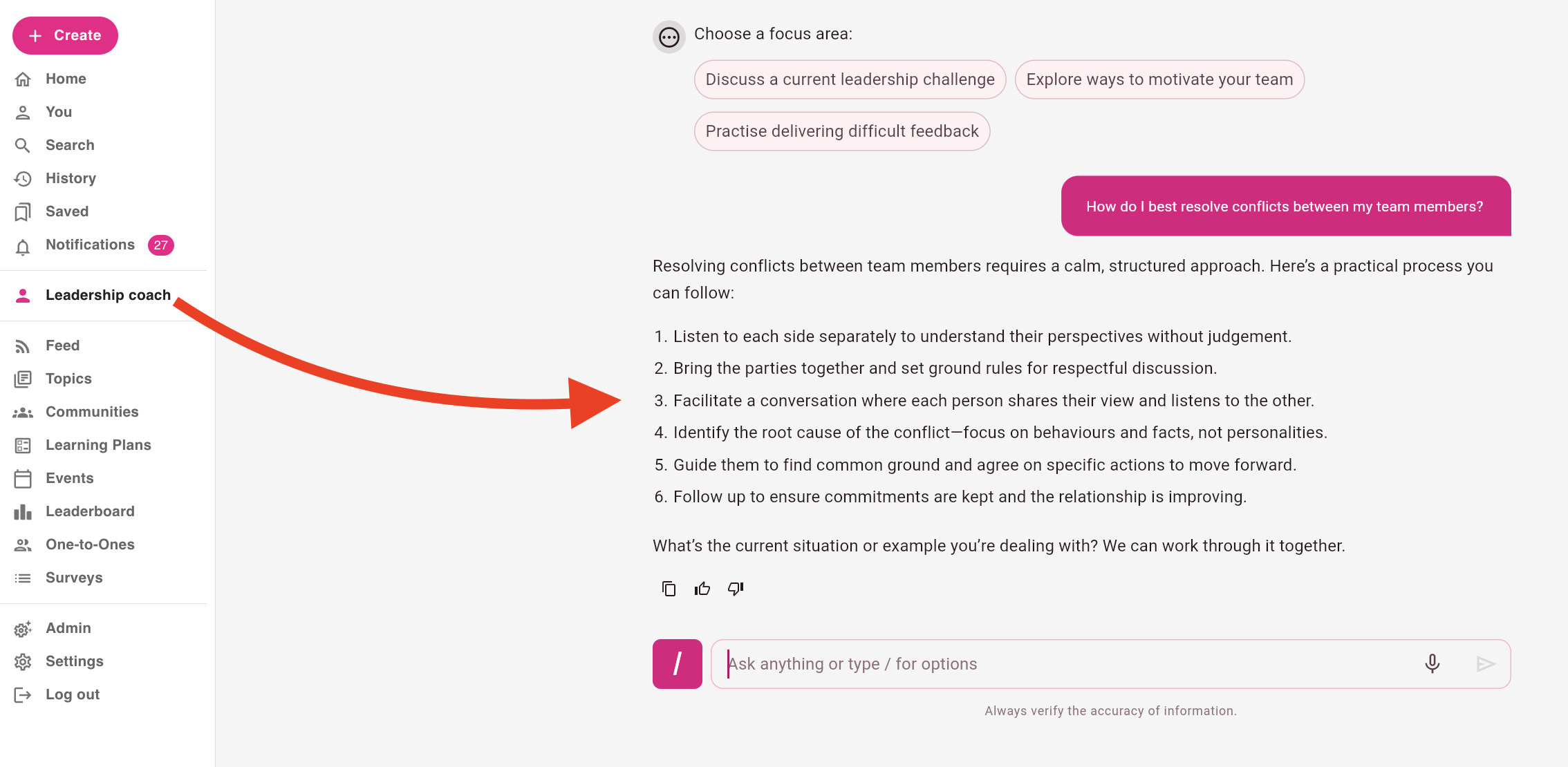
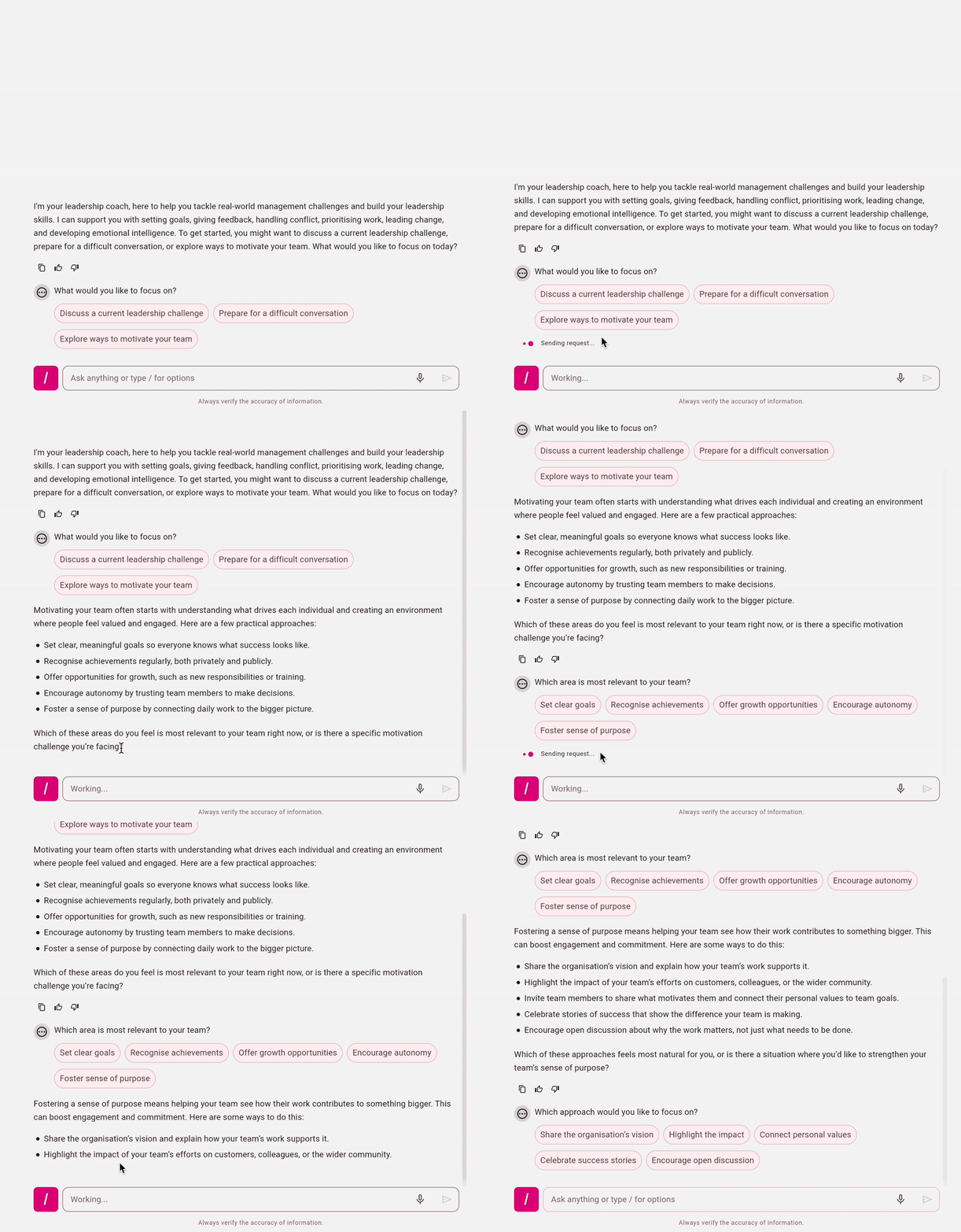
Example: You might create a coach for an industry-specific subject area or to help with a particular soft skills gap in your organisation, such as a management and leadership coach, designed to coach all your managers on how to improve their people management and leadership skills, and to help them navigate certain scenarios, such as how to effectively communicate with their team, conflict resolution, task delegation, managing reportee workloads, team alignment, and so on, and your managers can ask questions, converse with it and reflect on what they need to do to improve in their role as a manager:
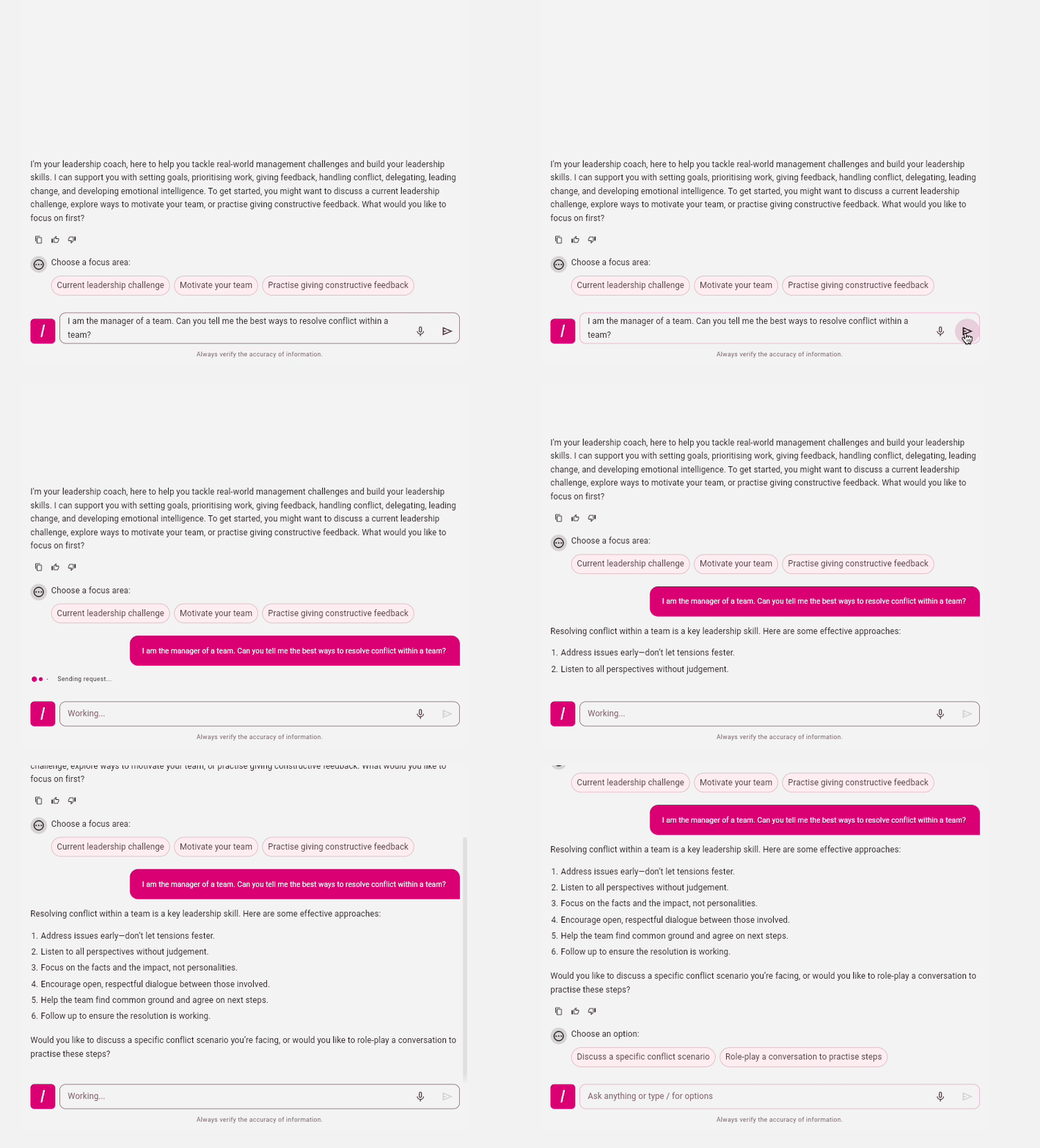
When setting up a coach, not only can you choose the content that it references and control which users are able to see and access it, but you can also personalise and tailor other aspects, including:
-
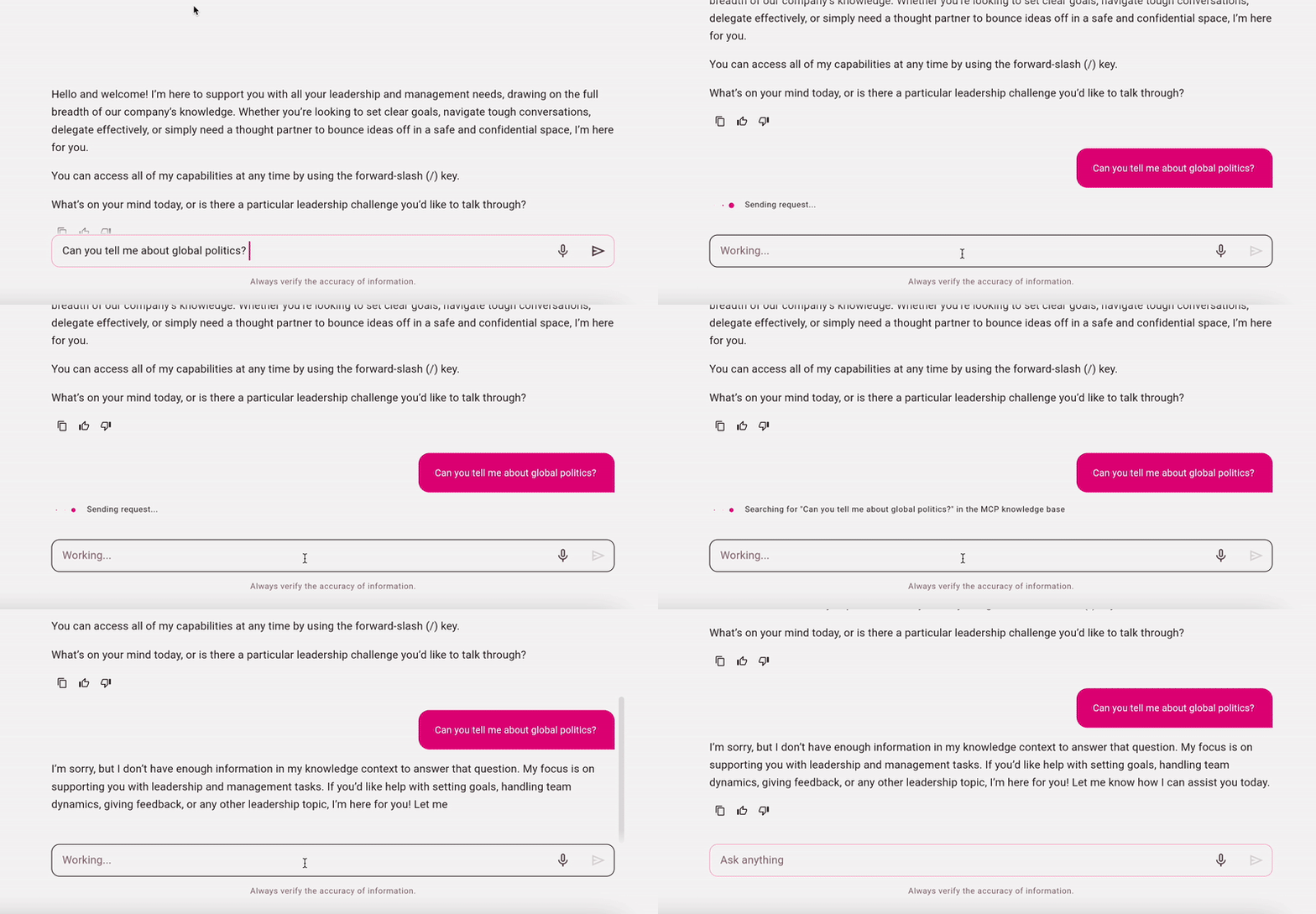
Setting policies and guardrails: Set policies and guardrails so that the coach knows what it can advise users on and discuss and what it cannot, so that it stays contextually relevant and avoids unrelated or sensitive subject areas.
-
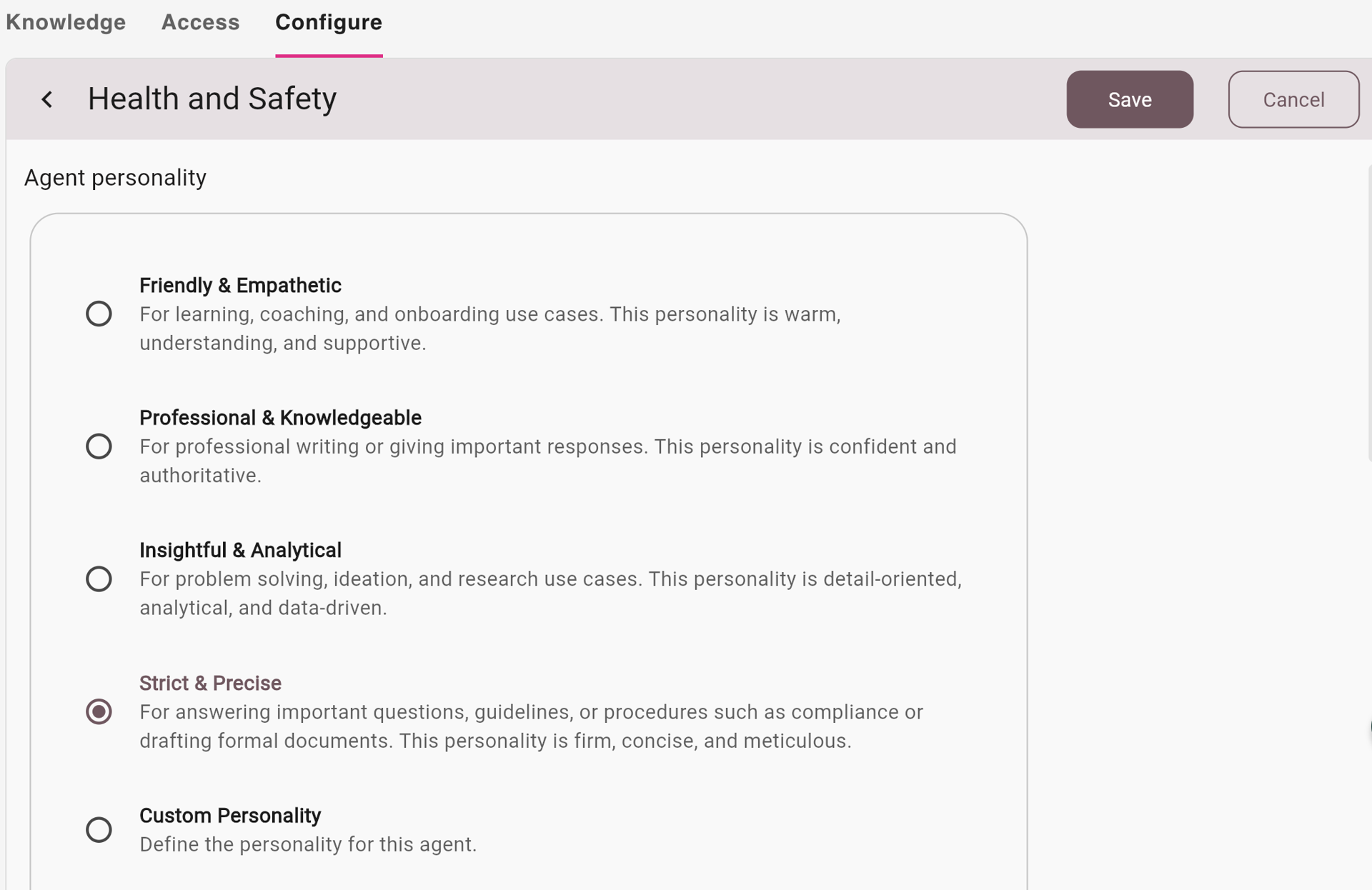
Setting the tone, personality and conversational style: Set the style of the coach so that it best fits your use cases and subject areas when interacting with users – for example, if your coach is dealing with more strict topics that are more clear-cut and regulated, you might want to make the coach more strict and precise in personality, rather than friendly and empathetic, or perhaps if you want something more specific, such as somewhere in between, you can create a custom personality by describing how you would like the personality to be.
-
Setting the formatting for responses and answers: Configure how answers and responses are displayed, and whether or not the coach provides source content, citations, clickable buttons and other elements within answers and responses.
Creating and configuring an AI coach
You can create and configure an AI coach in the AI Coach management screen. For more information about how to do this, see Creating an AI coach.
To be able to access the AI Coach management screen, where you can create and edit AI coaches, you must be a full site admin or a member of an admin group with the correct permission assigned. For more information on how to grant the ability to create and edit AI coaches, see Granting and revoking access to the AI Coach management screen.
Accessing an AI coach in the platform
Once an AI coach has been created and configured, and the correct communities have been given access to it, the members of those communities can access that specific coach on the side navigation in your platform: