
To log in to the Fuse 4 mobile app:
-
Open the Fuse mobile app.
The login screen appears.

-
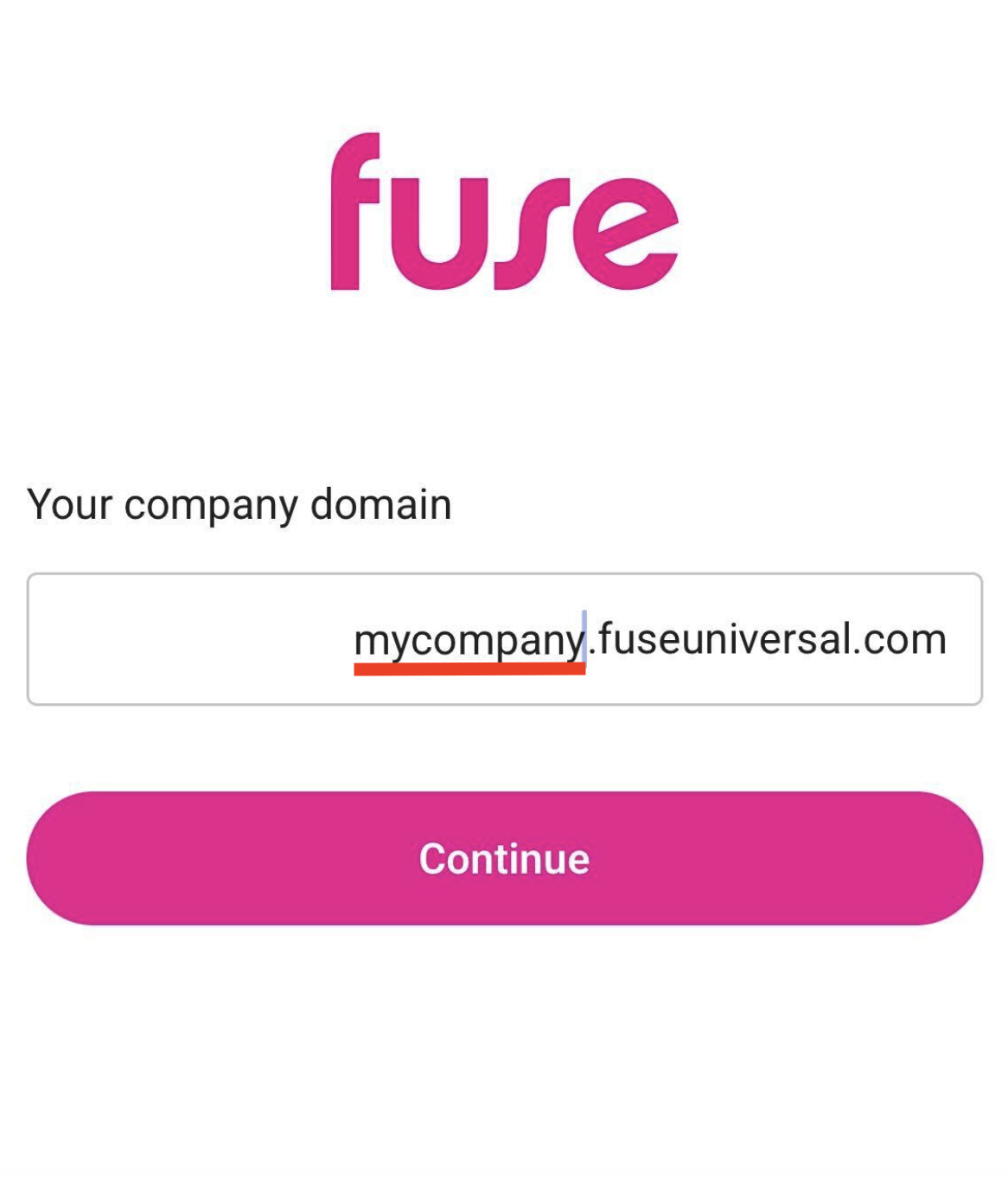
Enter your organisation's Fuse domain. This can be found in the URL of your Fuse instance. For example, if the URL of your Fuse instance is mycompany.fuseuniversal.com, you must enter 'mycompany'.
-
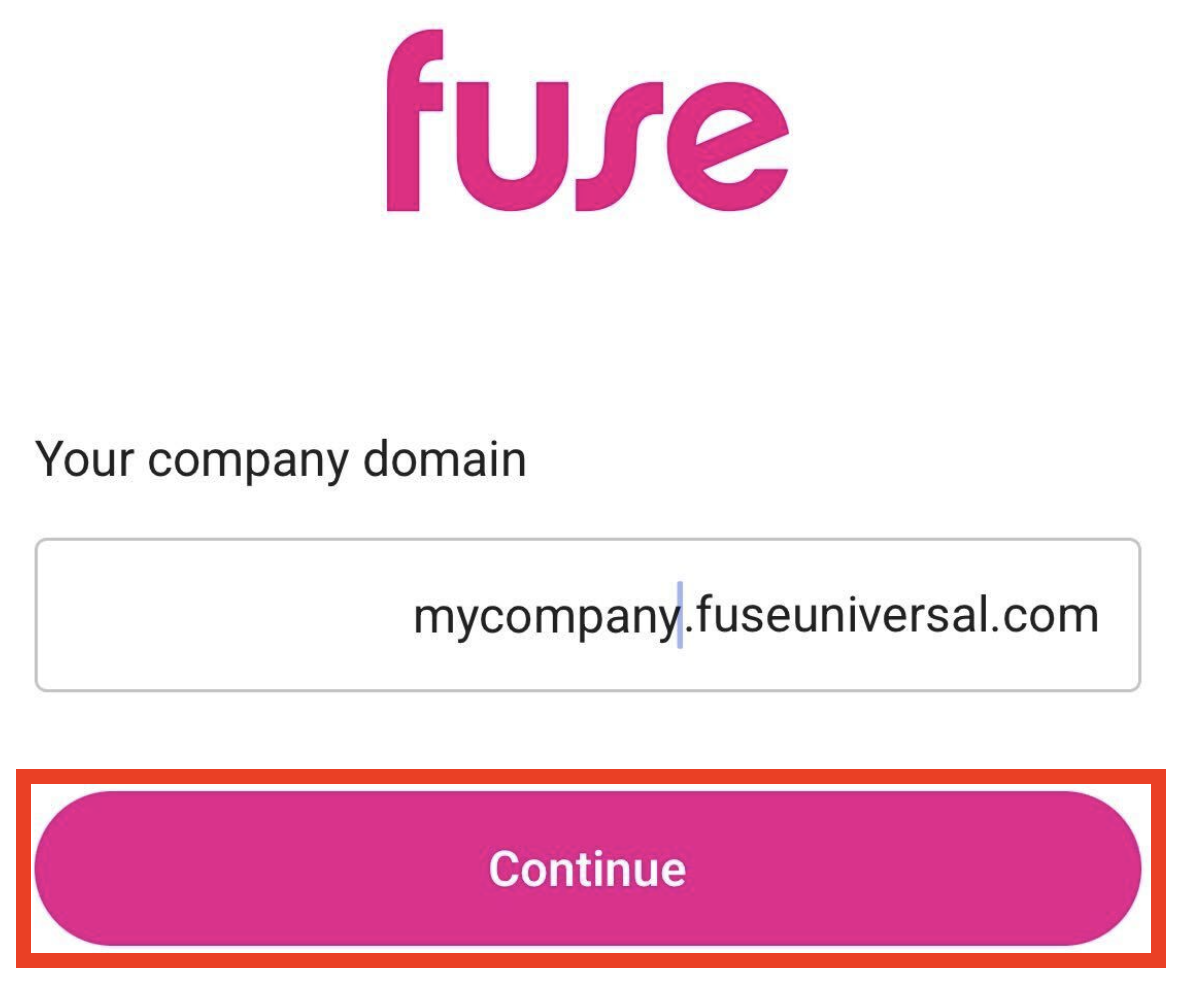
Tap Continue.
-
In the Email or Username field, enter the username or email associated with your Fuse account, and in the Password field, enter your password.

-
Tap Continue.

-
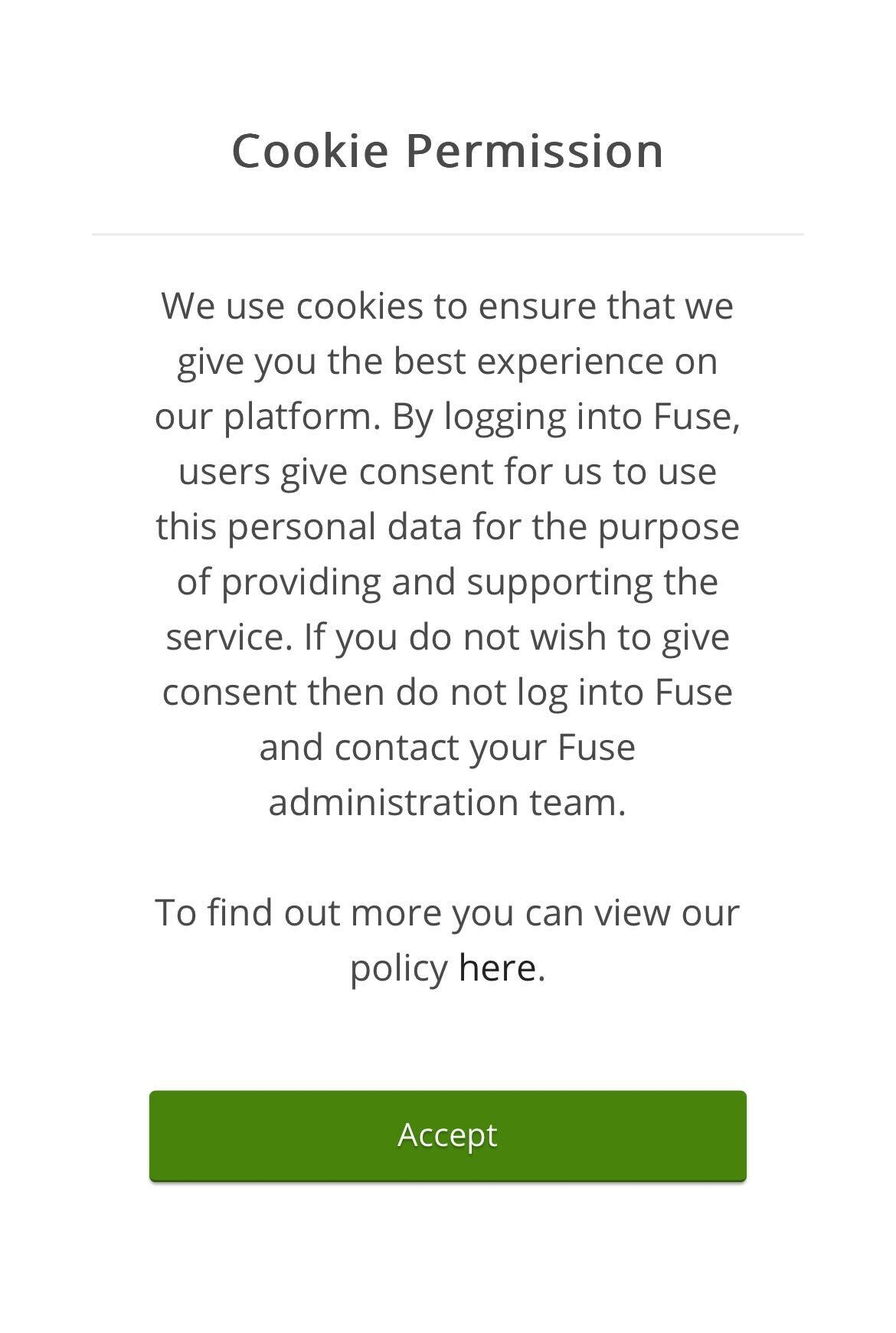
Tap Accept, to accept the cookies.
You are logged in to the mobile app.